 Meily Trips
 Android
 iOS
iOS
2. Posts
The main feature of Meily is to let you organize trip itineraries, as seen in section 1. Trip Itineraries. One of the options to organize your trips is to scan posts from social media (TikTok, Instagram, YouTube) and import the best fitting stops mentioned in the video to your trip. This section explains how posts can be scanned and used with Meily Trips.
Scan Posts
Posts can be easily scanned with Meily Trips, by sharing them with the app or by copy-pasting the link in the app. The social media posts from which posts can be scanned are Instagram, TikTok, and Youtube.
Create Trips From Posts
Once the posts are scanned and saved into the app, you can include them in your already existing trips or even create new trip itineraries from them.
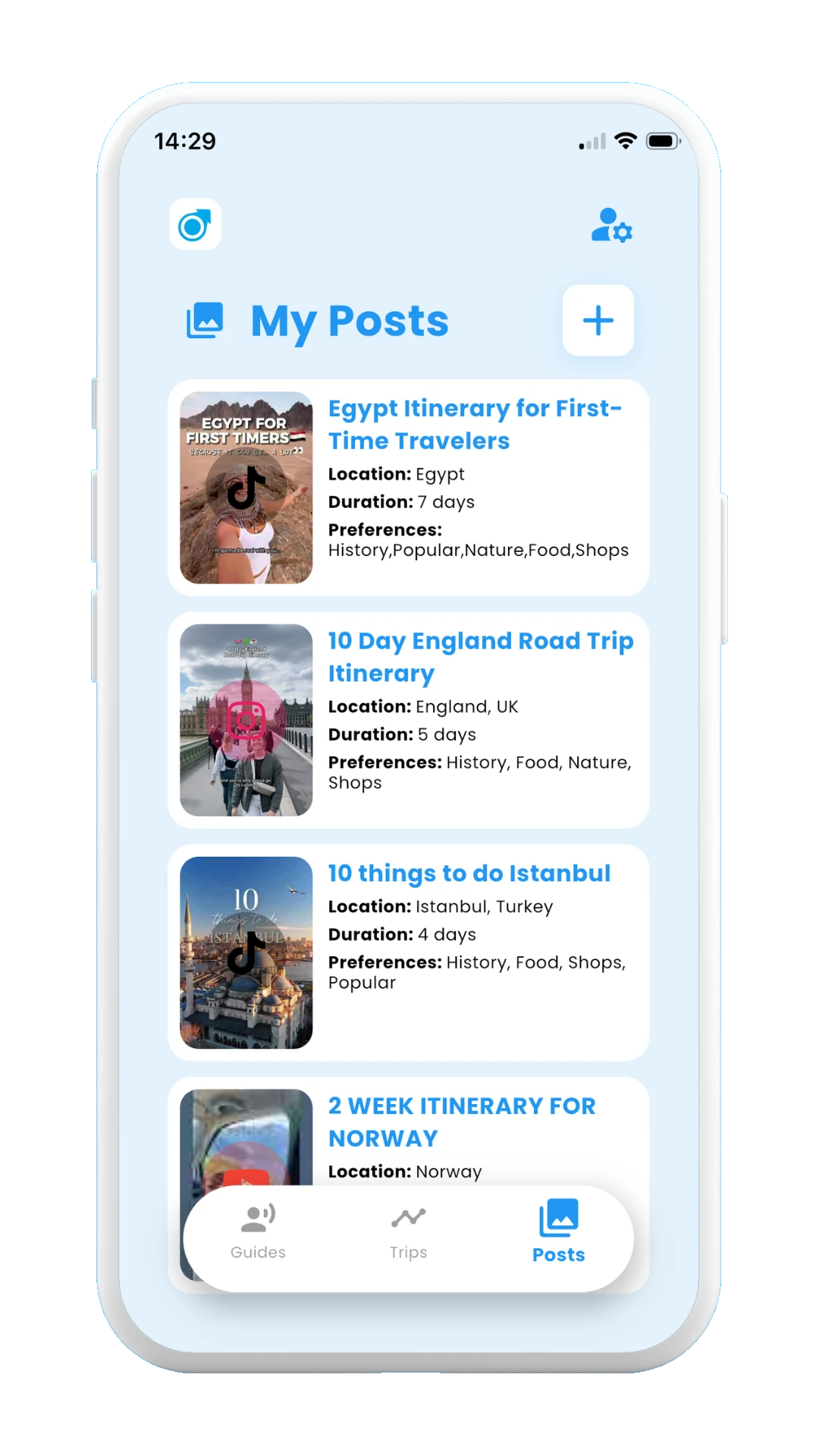
Select Posts from the bottom navigation bar
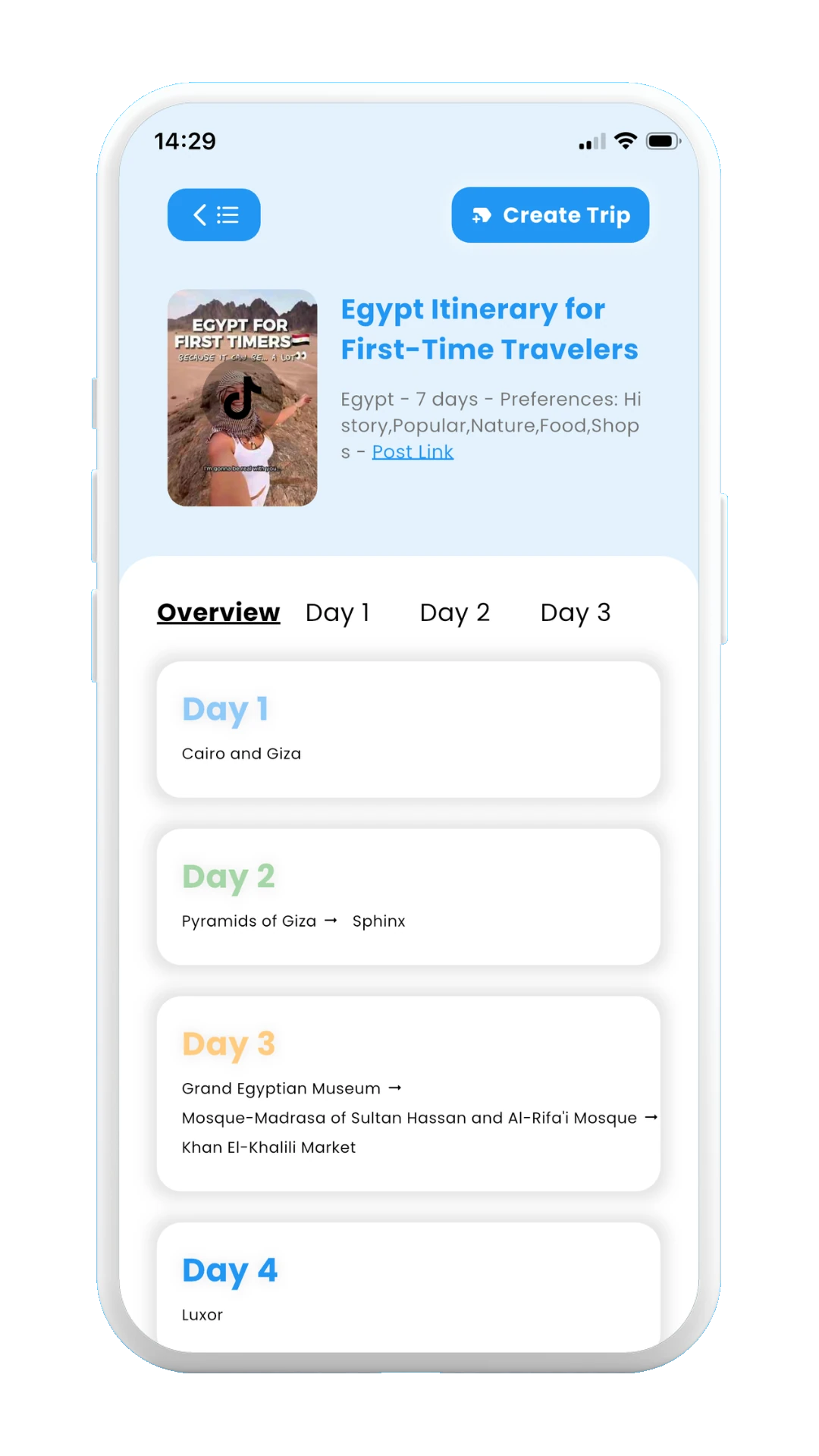
Sample scanned post