 Meily Trips
 Android
 iOS
iOS
3.1 How to create a guide
On this page you will find a step by step guide showing how to create a custom local guide. Meily Trips lets you create your guide in two different ways:
- ✓ From an existing trips, linking your new guide to an existing itinerary
- ✓ From scratch, creating a new guide from the selected customization options
As an example, a local guide to San Francisco will be created showing all the steps in the process. For easier understanding, screenshots of the app will be included for each step. Ready? Let's go!
First Steps: Choose how to create your local tourist guide
Once in the Guides page, tab on the "+" button in the top-right corner of the screen to create a new guide. You will be asked to select one of the two options about how to generate your trip (see the images below). Each of the guide creation options is explained in the next subsections.
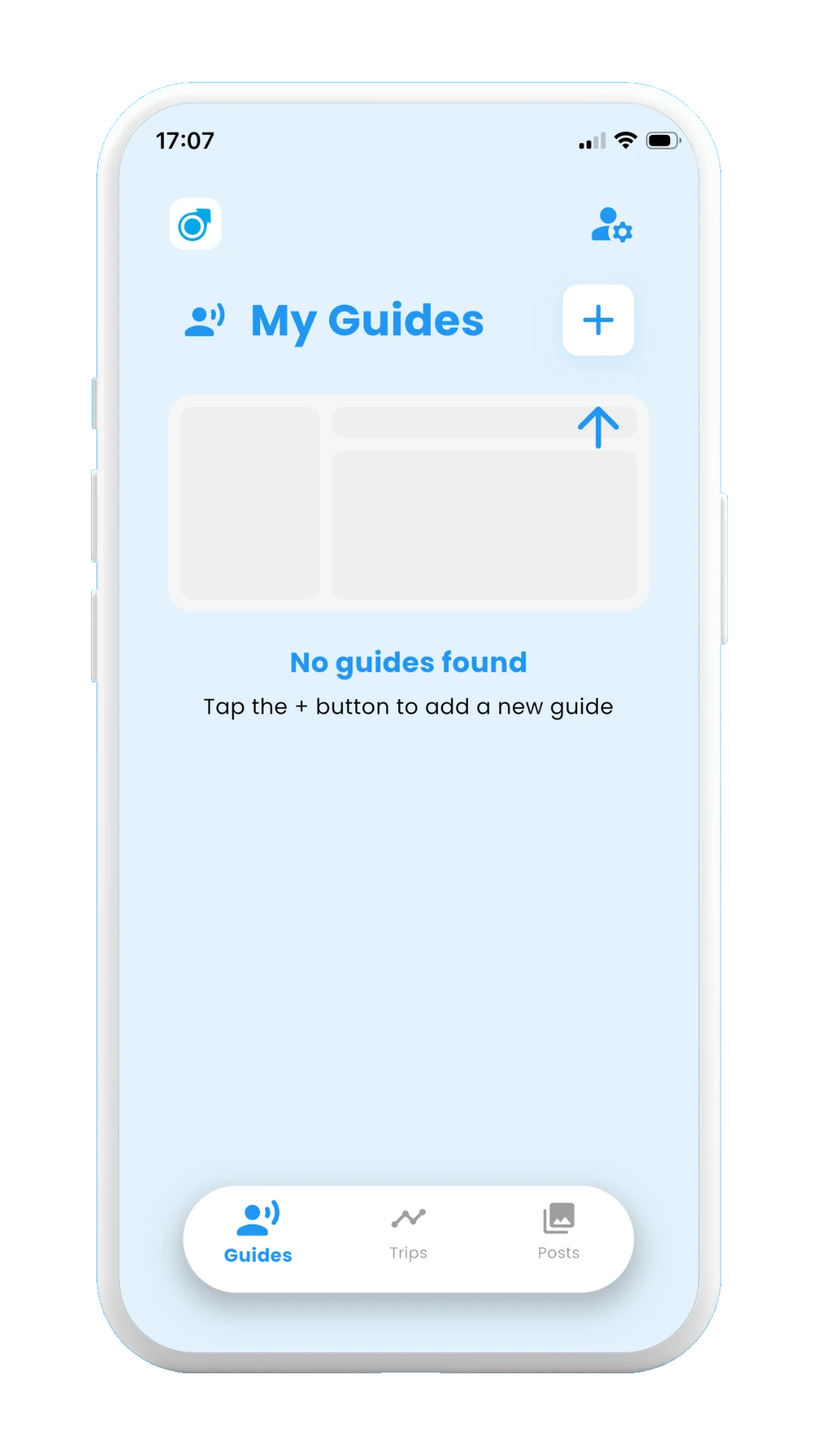
Tap on "+"
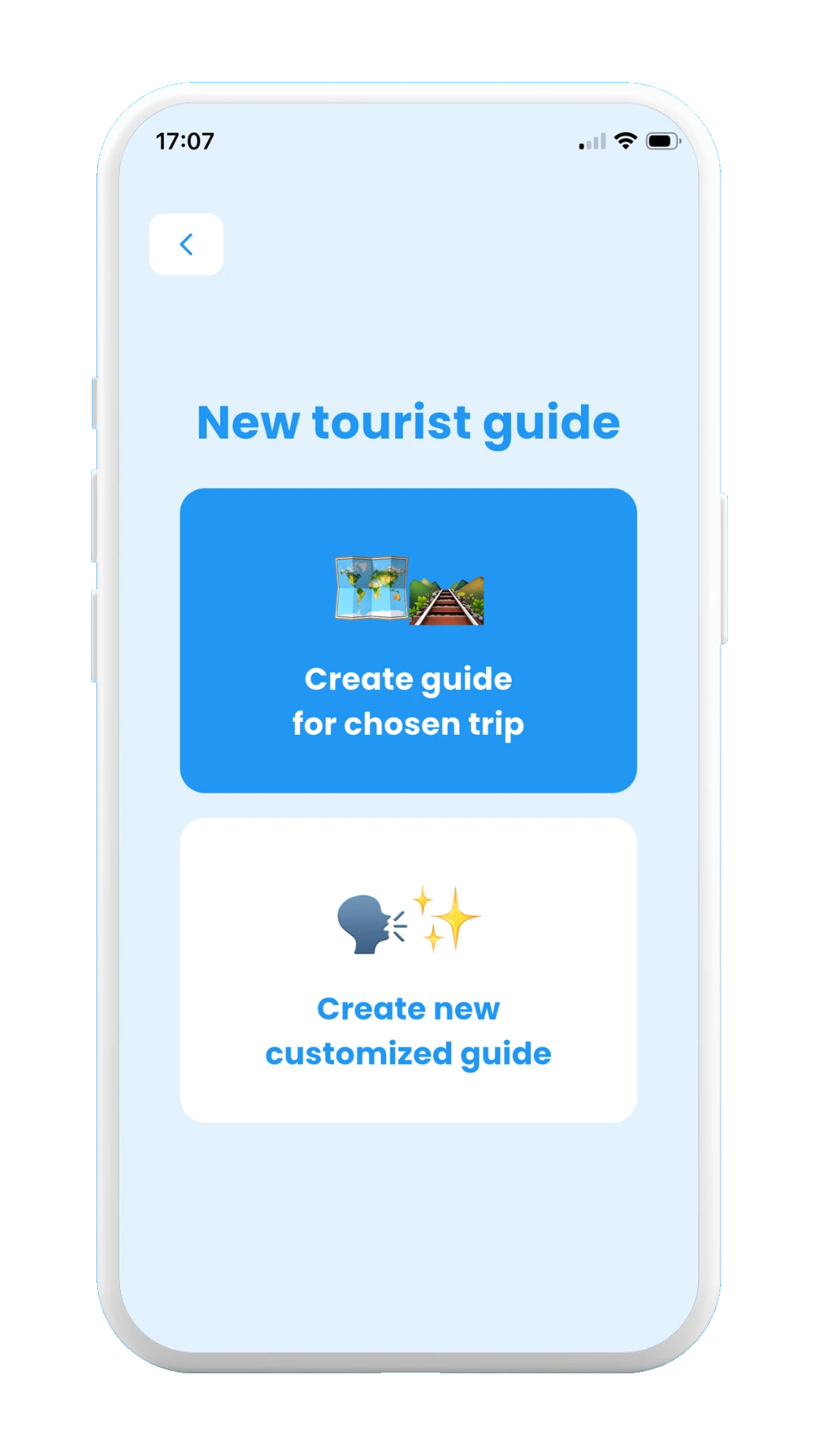
Choose how to create your guide
3.1.1. Creating a new local guide from an existing itinerary
If choosing this first option, you can choose one of your existing trips, and a local guide will be created for that specific destination, taking into account the preferences for that trip as well.
In this example, we choose the trip itinerary generated as an example in section 1. Trip Itineraries, so a local guide for San Francisco is generated, with the preferences being "History" and "Popular", as in the trip. This means that the new created local guide from San Francisco will take into account those preferences as well.
Once the guide is created, you can it's name and picture. Click on save, and the guide will be ready for use. See the images below with all the steps from creating a local guide from a chosen trip itinerary:
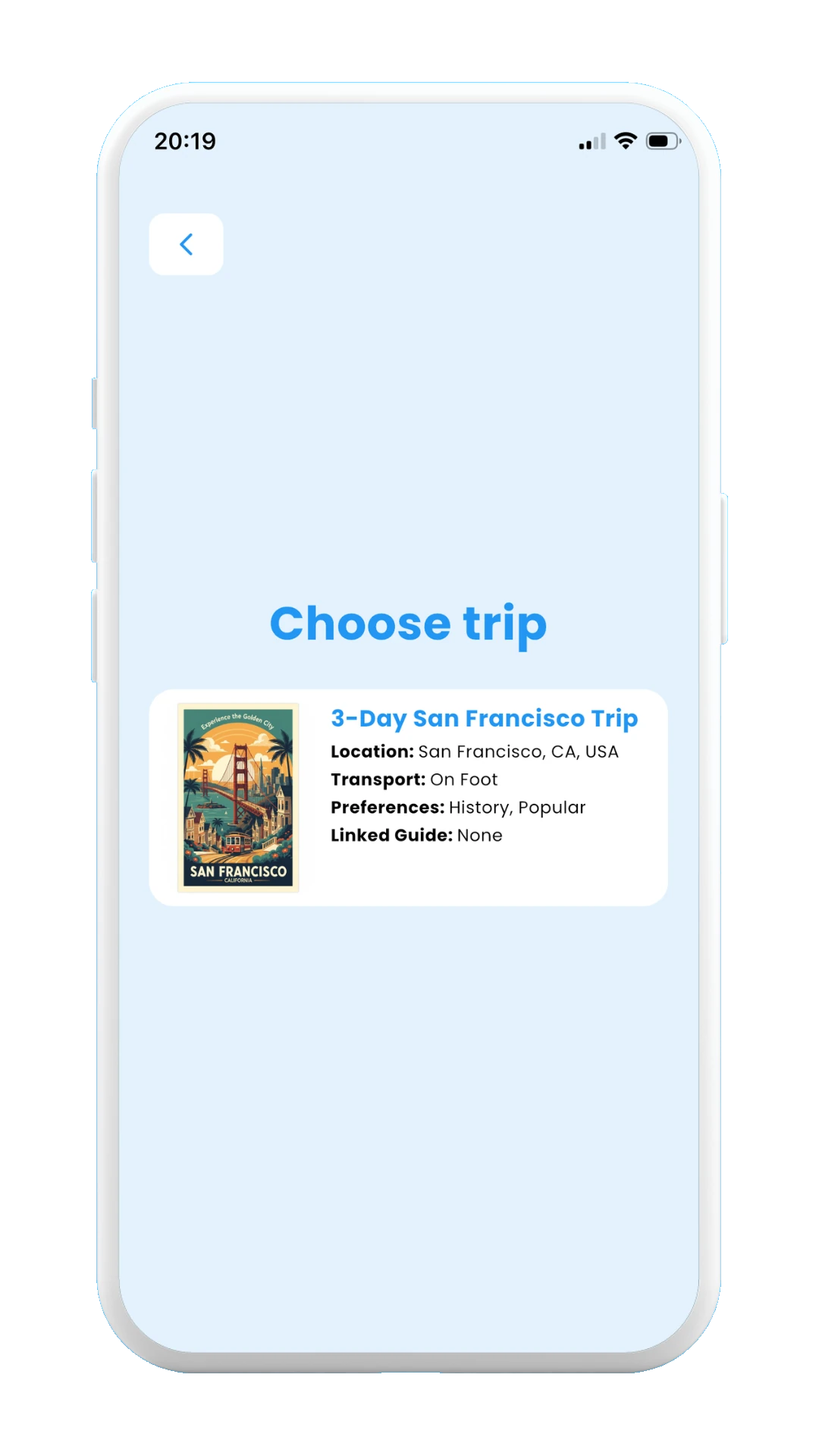
Choose a trip
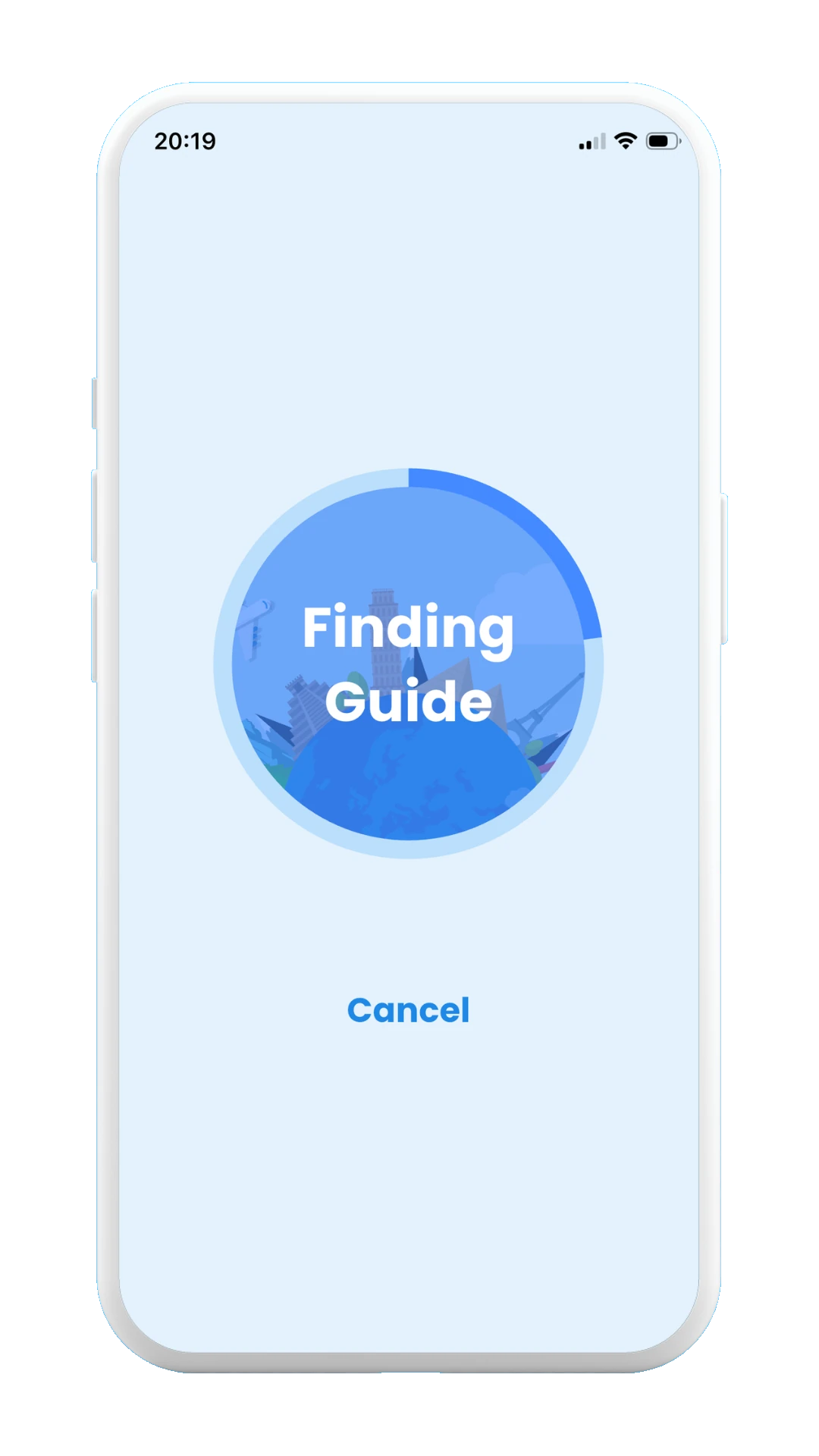
Finding guide
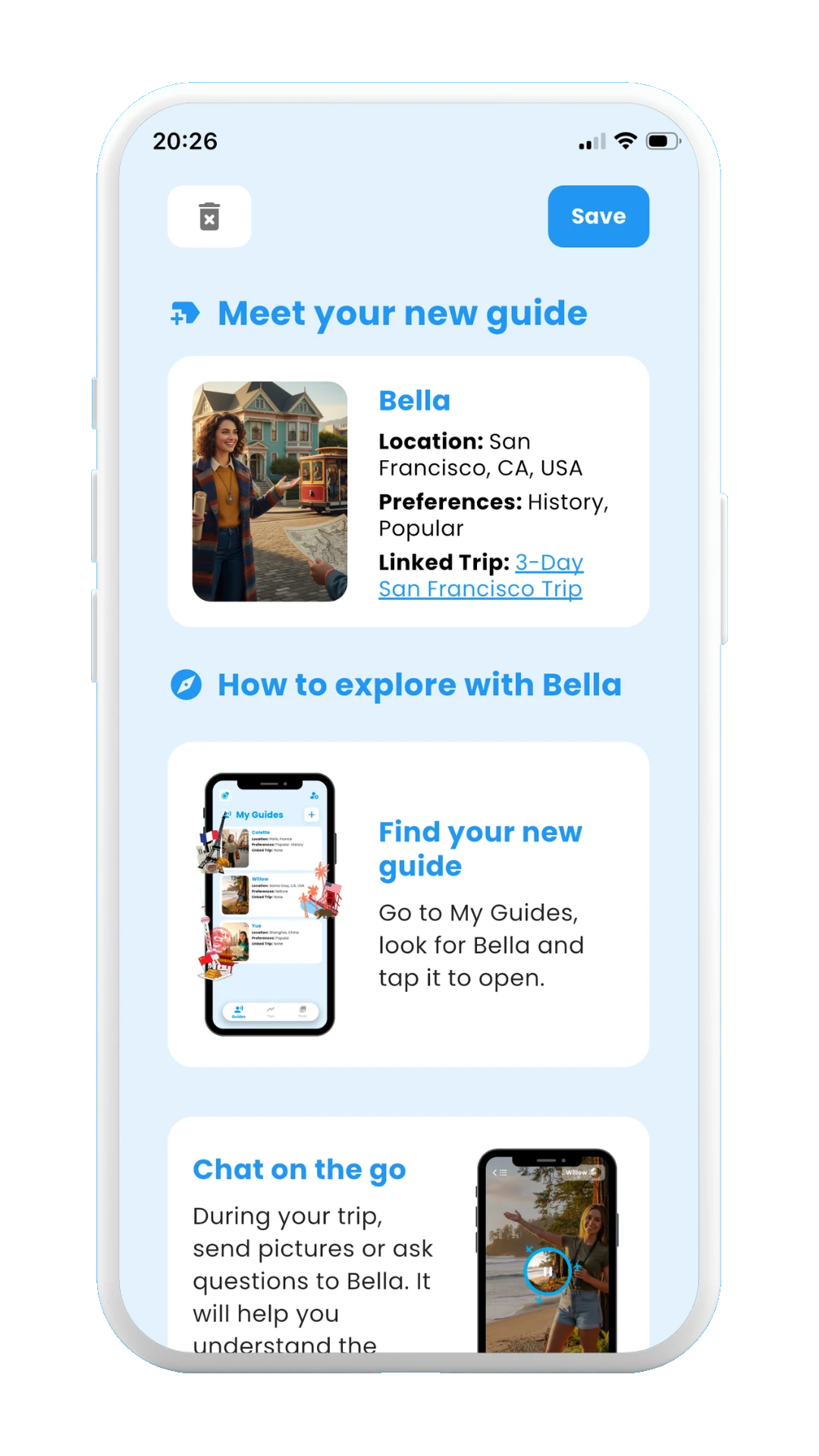
New guide
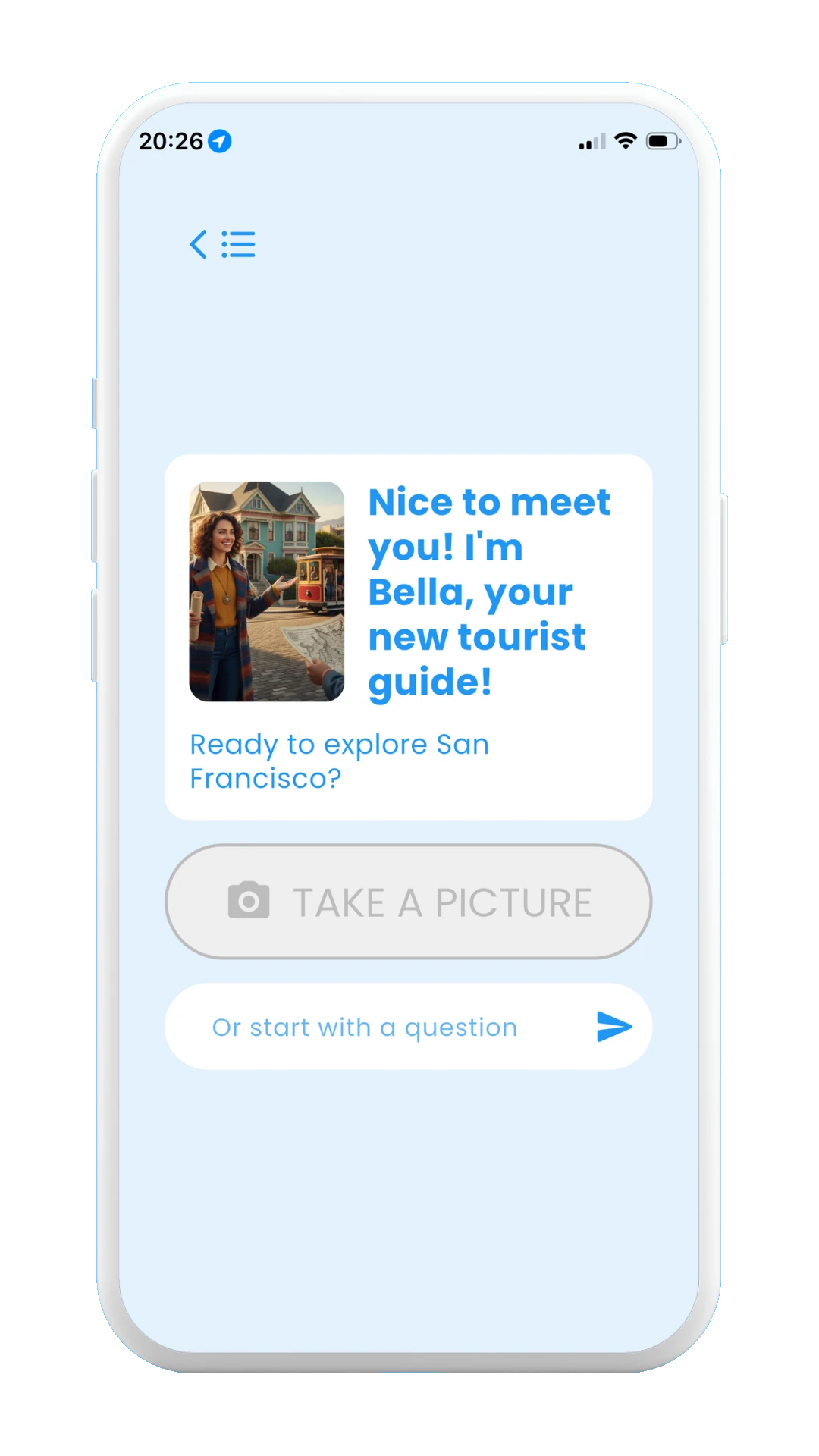
Guide ready to be used
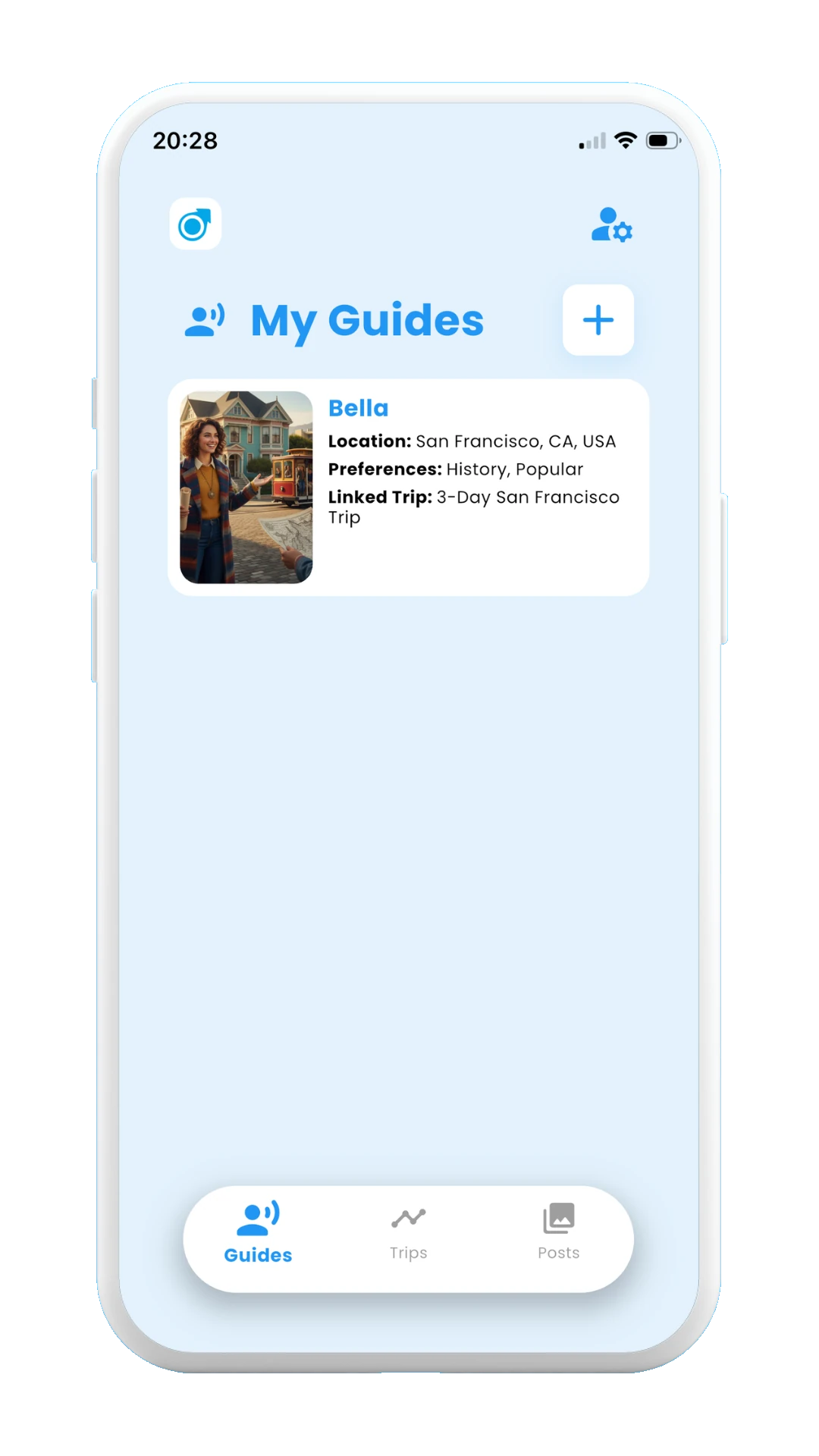
Saved guide at Guides page
3.1.2. Creating a new local guide from scratch
If choosing this option, you will need to introduce the destination of your trip as well as your trip preferences. After that, a new local guide will be created for you. Once is created, remember to save it. Once saved, you will be able to fing it in the "Guides" page, where you can access it for asking questions and sending images during your trip.
The images below show all the screens that are displayed when creating a local guide from scratch.
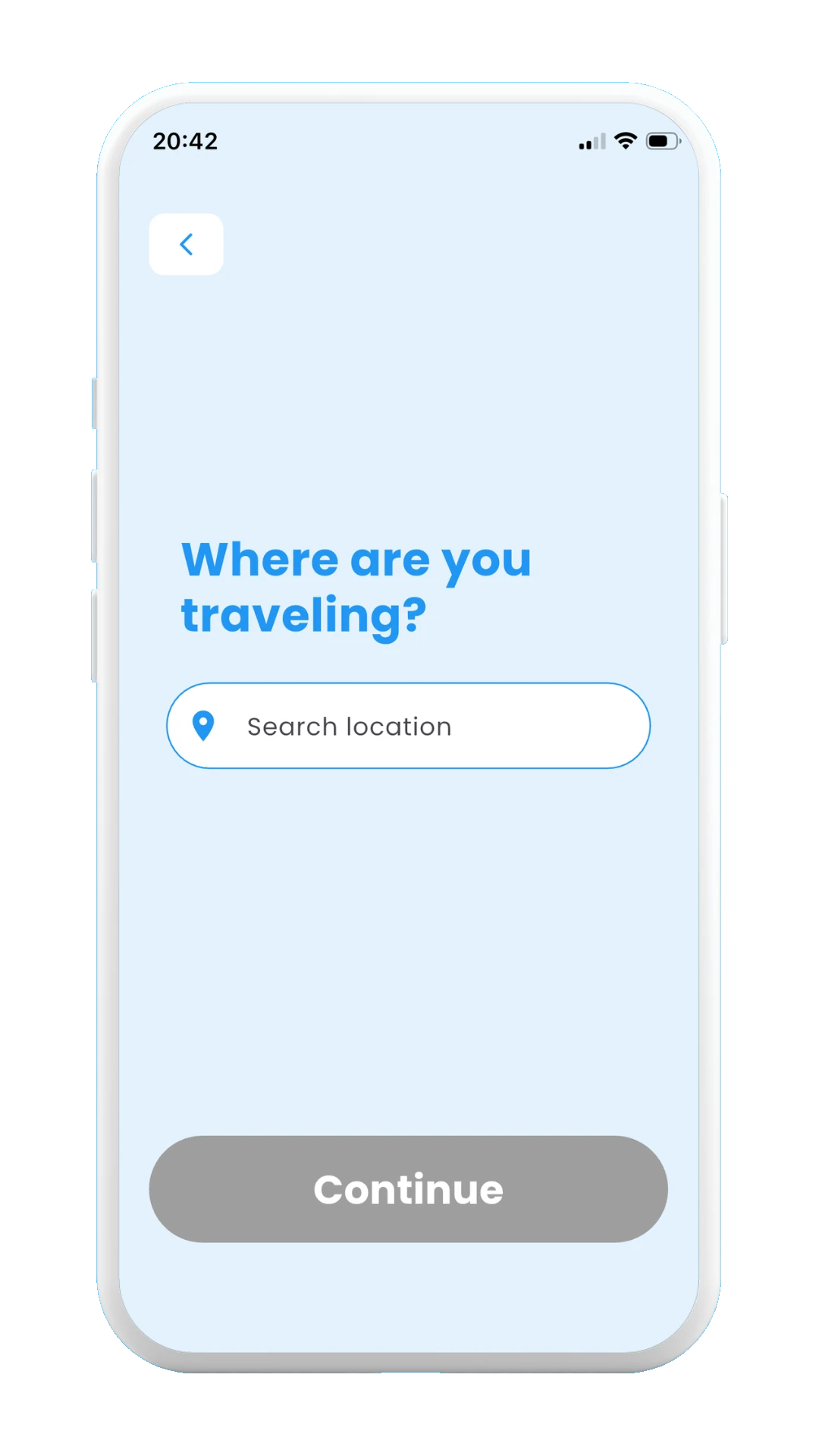
Write a destination
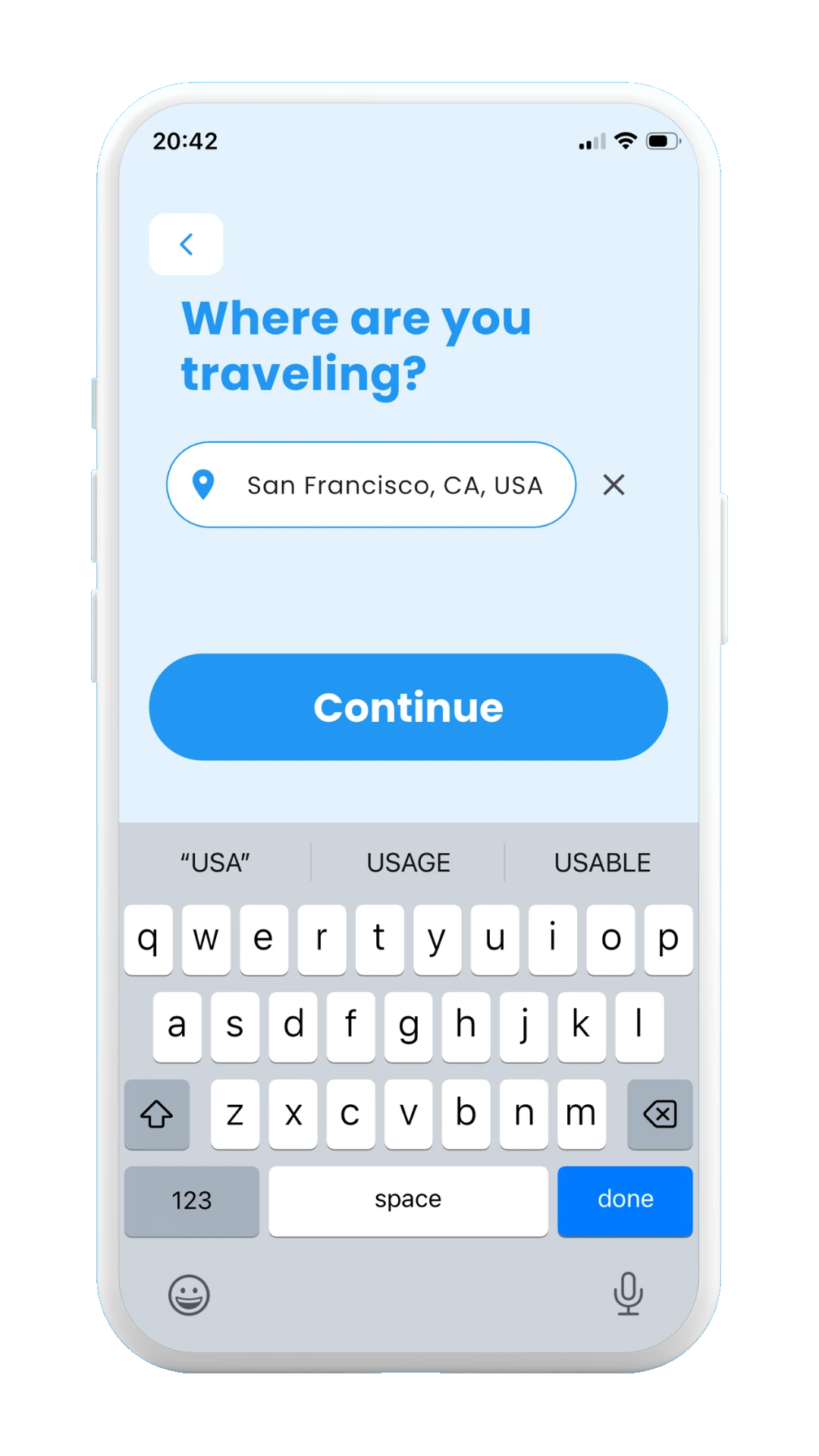
Choosing San Francisco
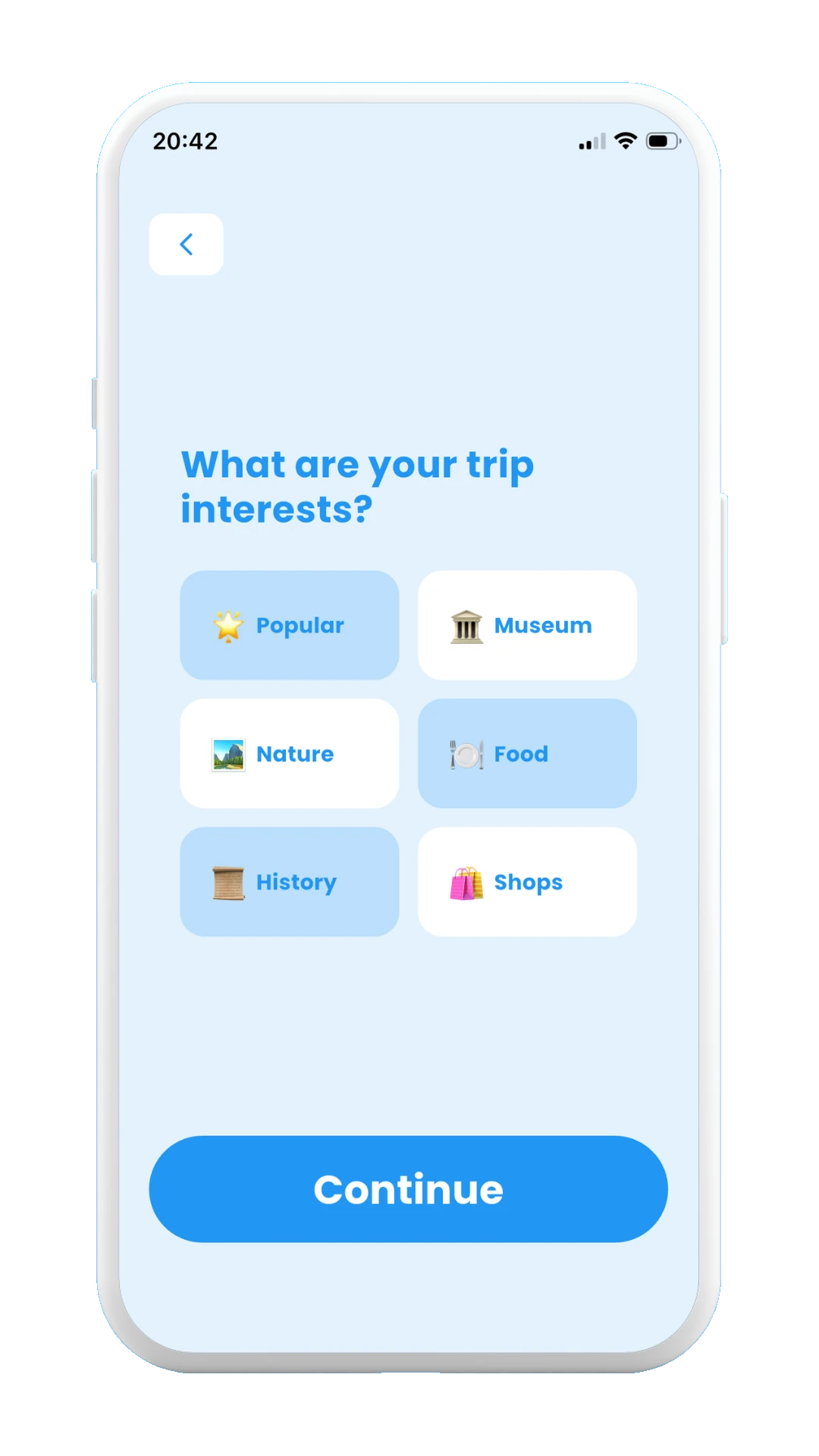
Choose your preferences
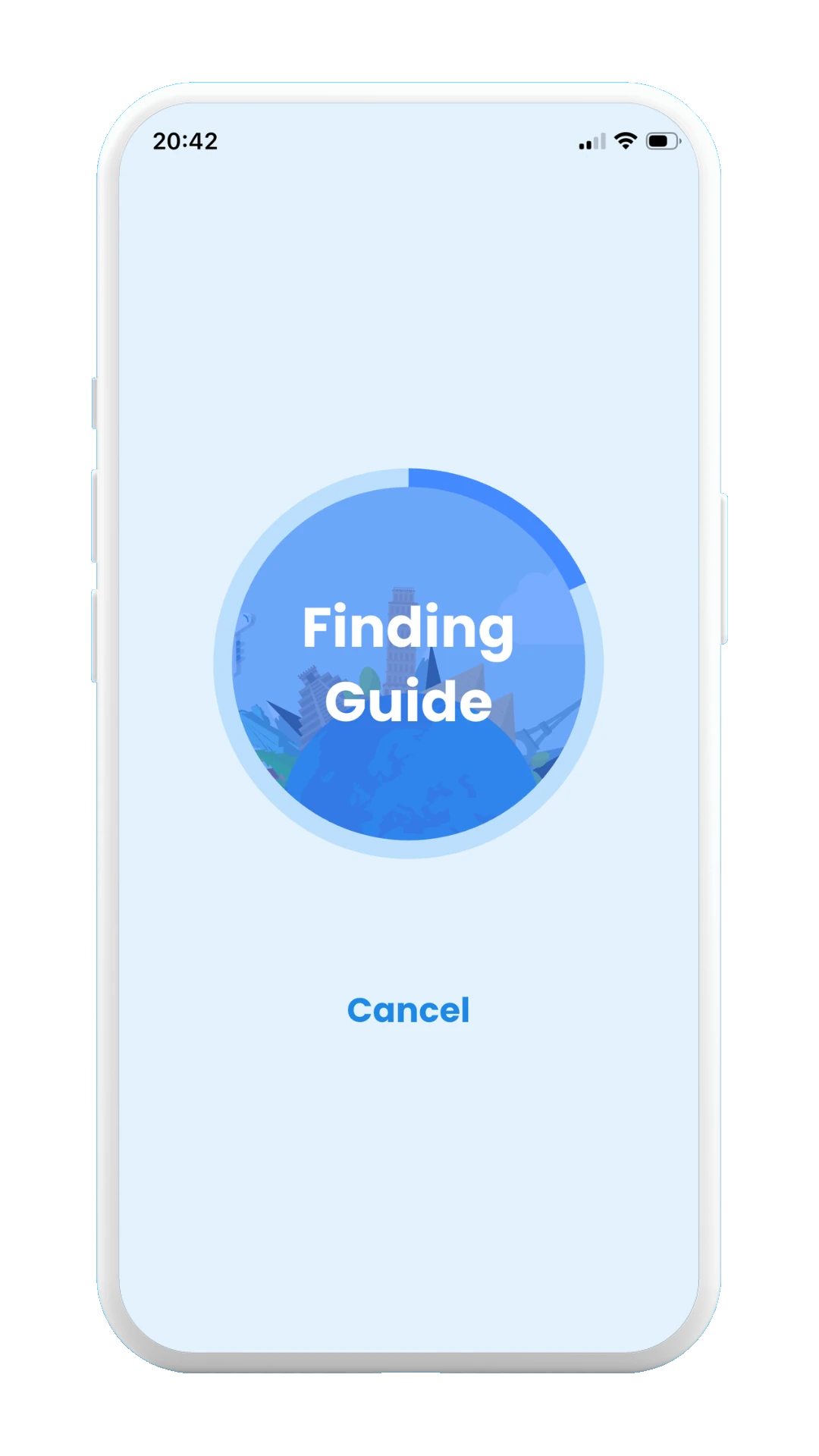
Finding guide
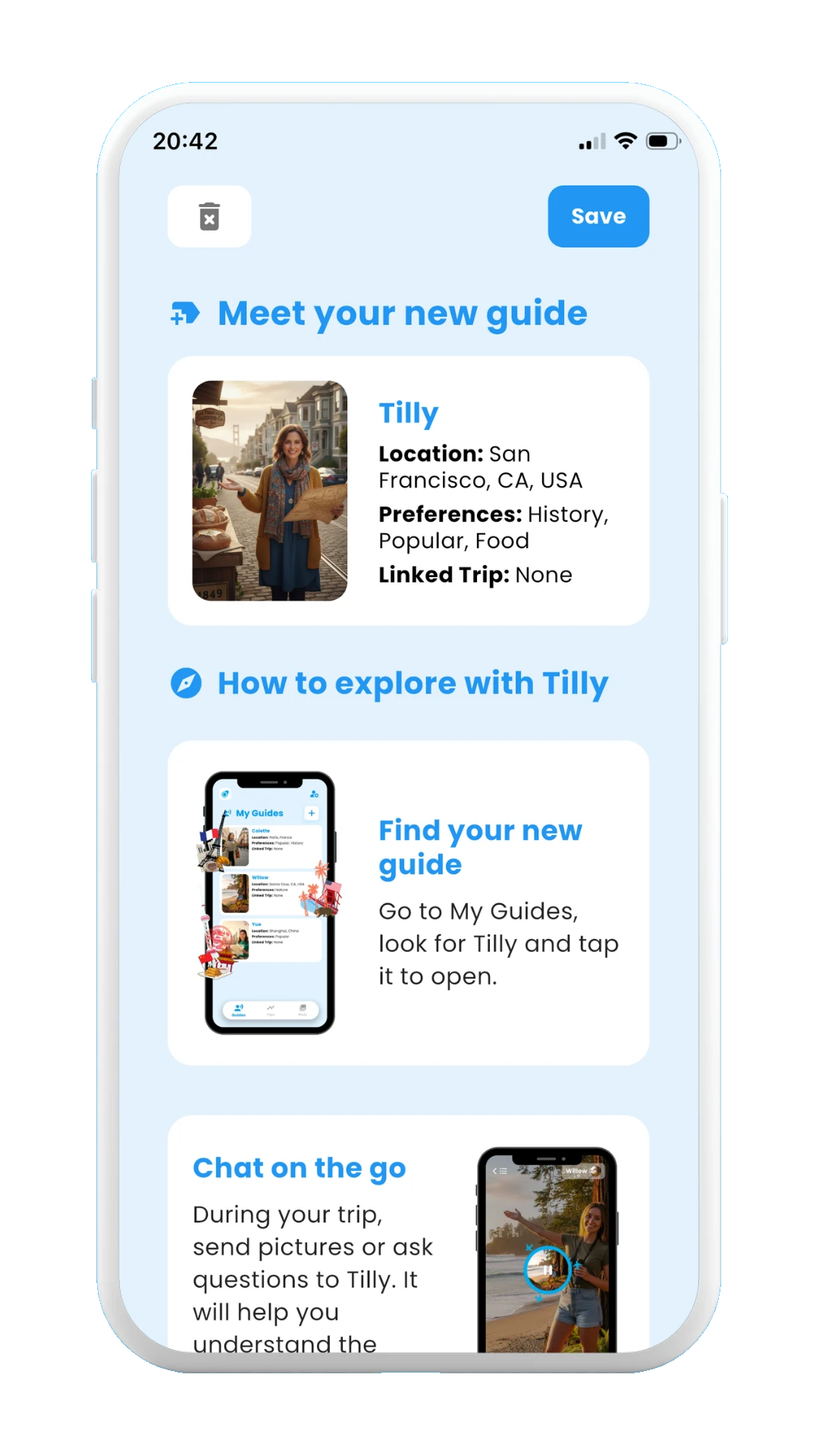
New guide
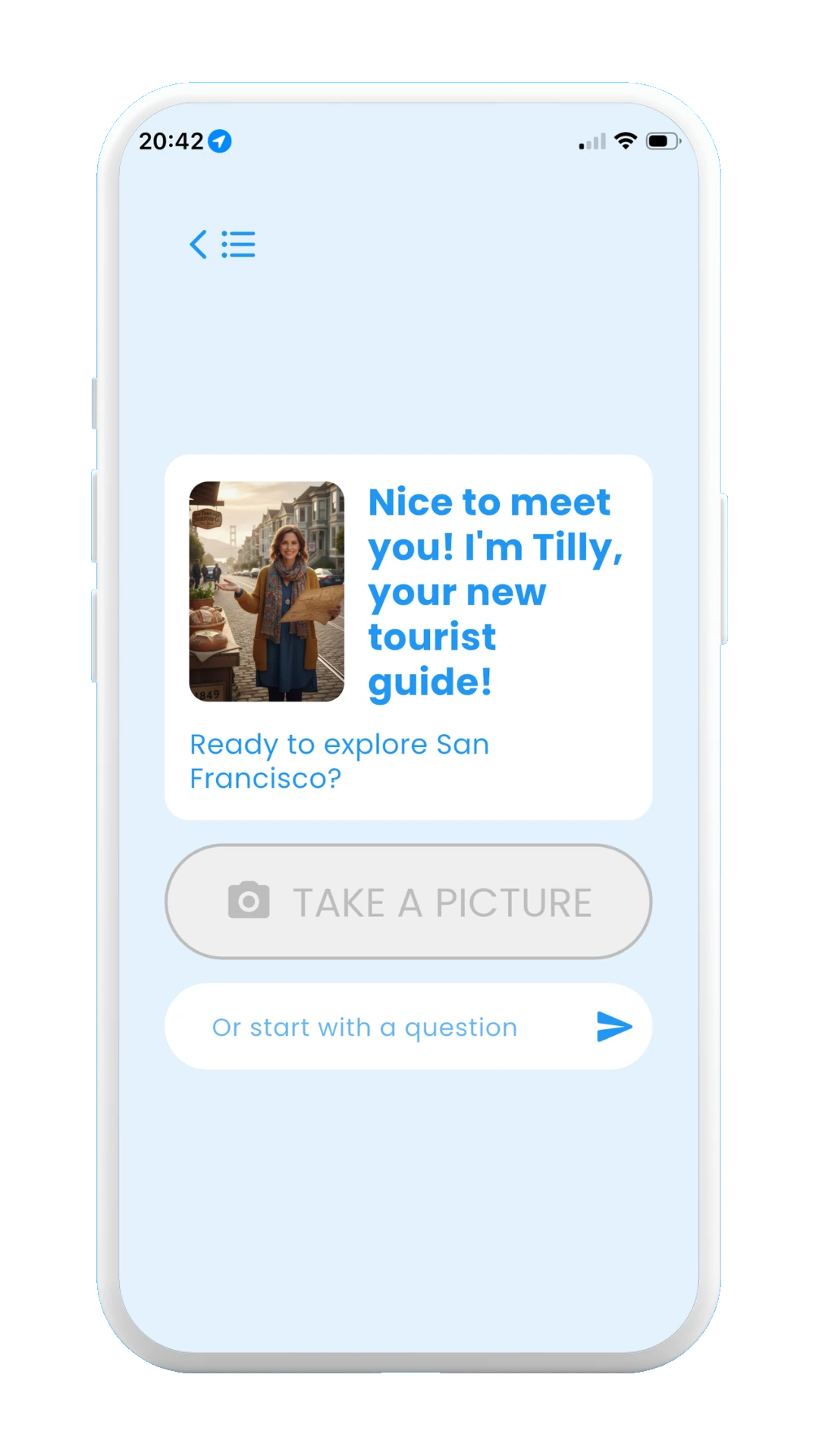
Saved guide ready to use
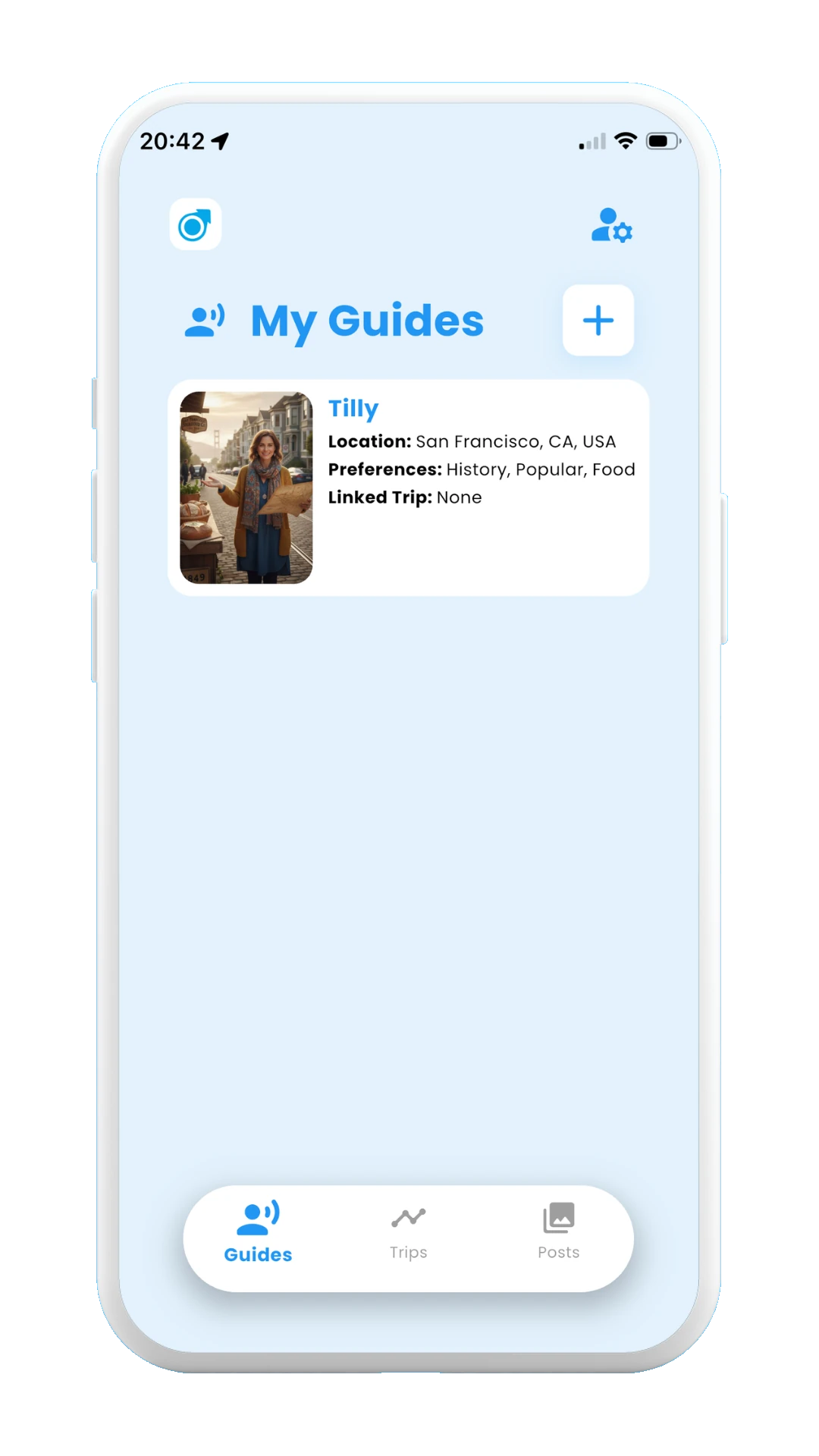
Saved guide at Guides page
Now that you have learned how to created a custom local guide, it's time to learn how to use the guide. This is explained, step by step, in the next section, 3.2. How to use a guide
Continue with 3.2 How to use a guide →