 Meily Trips
 Android
 iOS
iOS
3.2 How to use a guide
Hey! This is the last section of How to Use Meily trips. Nice to know that you have made it this far in the documentation! Let us know if you found the documentation useful and if there is something that is not clear, we will be happy to review it and improve it!
That being said, once you have created your guides, as shown in 3.1. How to create a guide, you will be asking yourself how to use it. This is exactly what this section explains step by step. You will be able to ask questions and send images to your local guides, so they will answer with local insights, recommendations, and information. Ready for seeing exactly how to do it? Let's get started!
Send images
Once you open your guide, you will be able to send images and get audio answers from your guide. For example, you can send an image of a monument, and your local tourist guide will provide a clear description of what you are seeing.
Sending images will not be activated if you are not located close to the guide's destination, as the knowledge of the guide is specific for his region.
The images below show the process of sending an image to a guide and getting the answer:
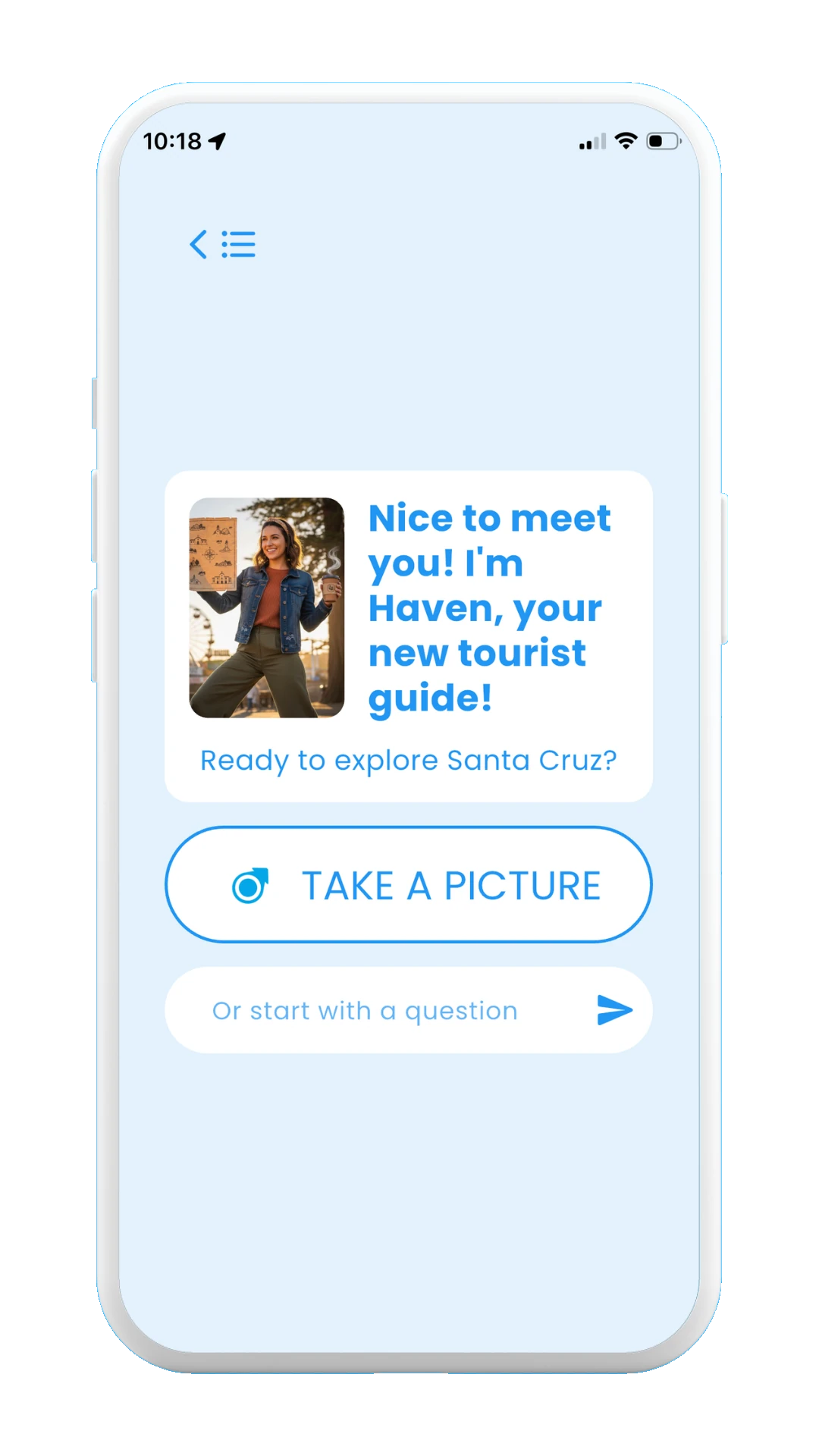
Click on take a picture
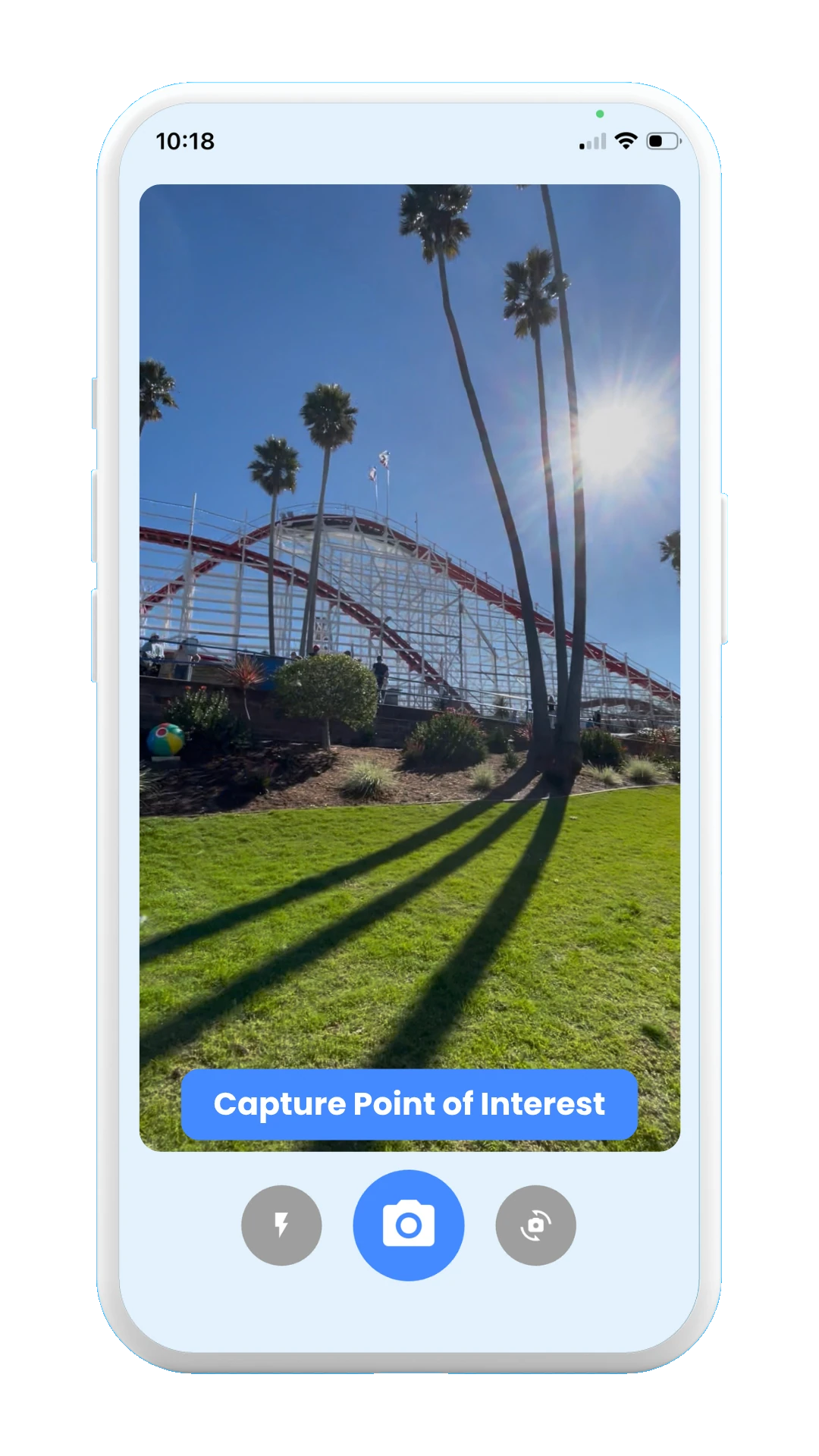
Take a picture of your point of interest
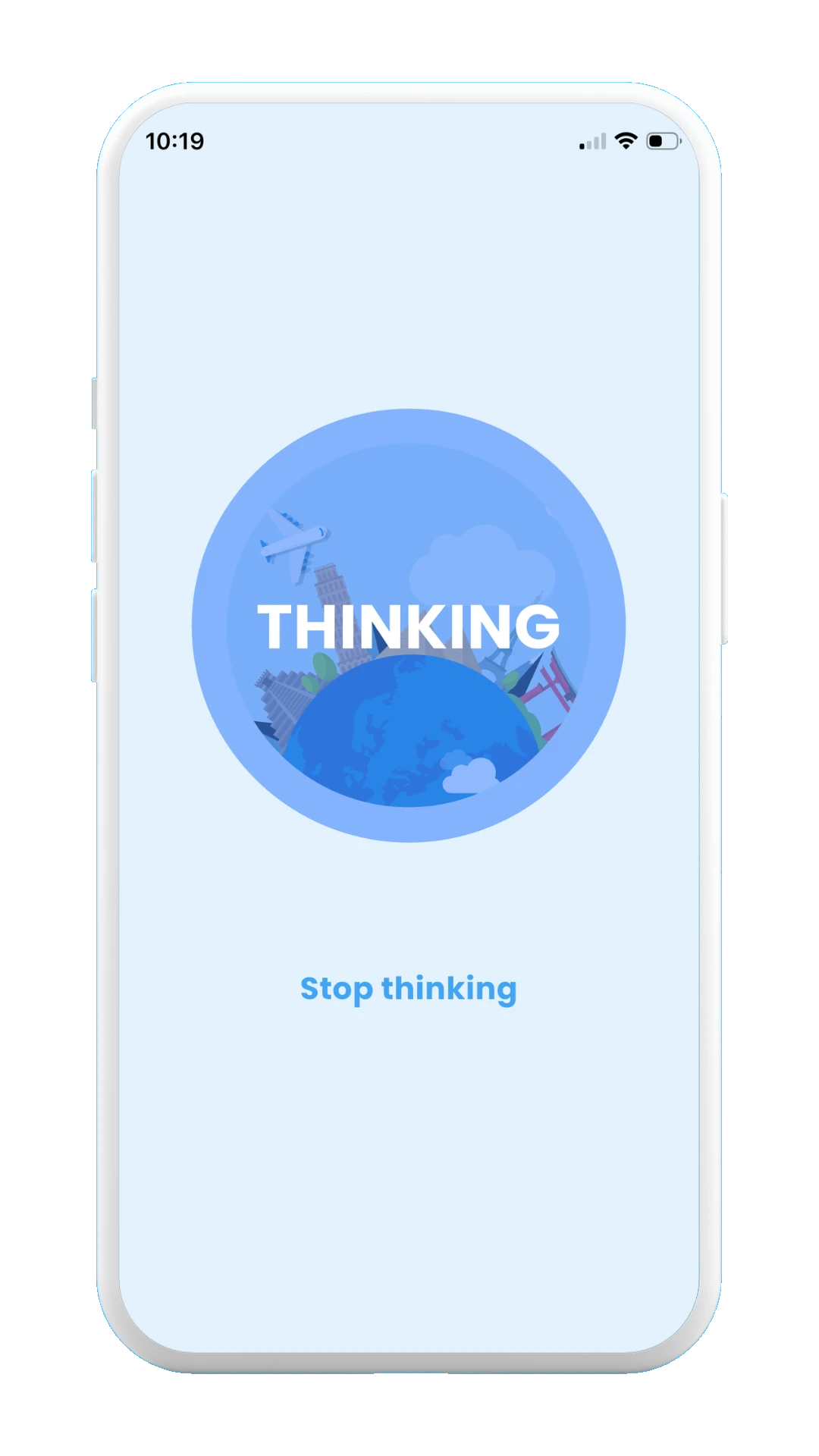
Guide thinking
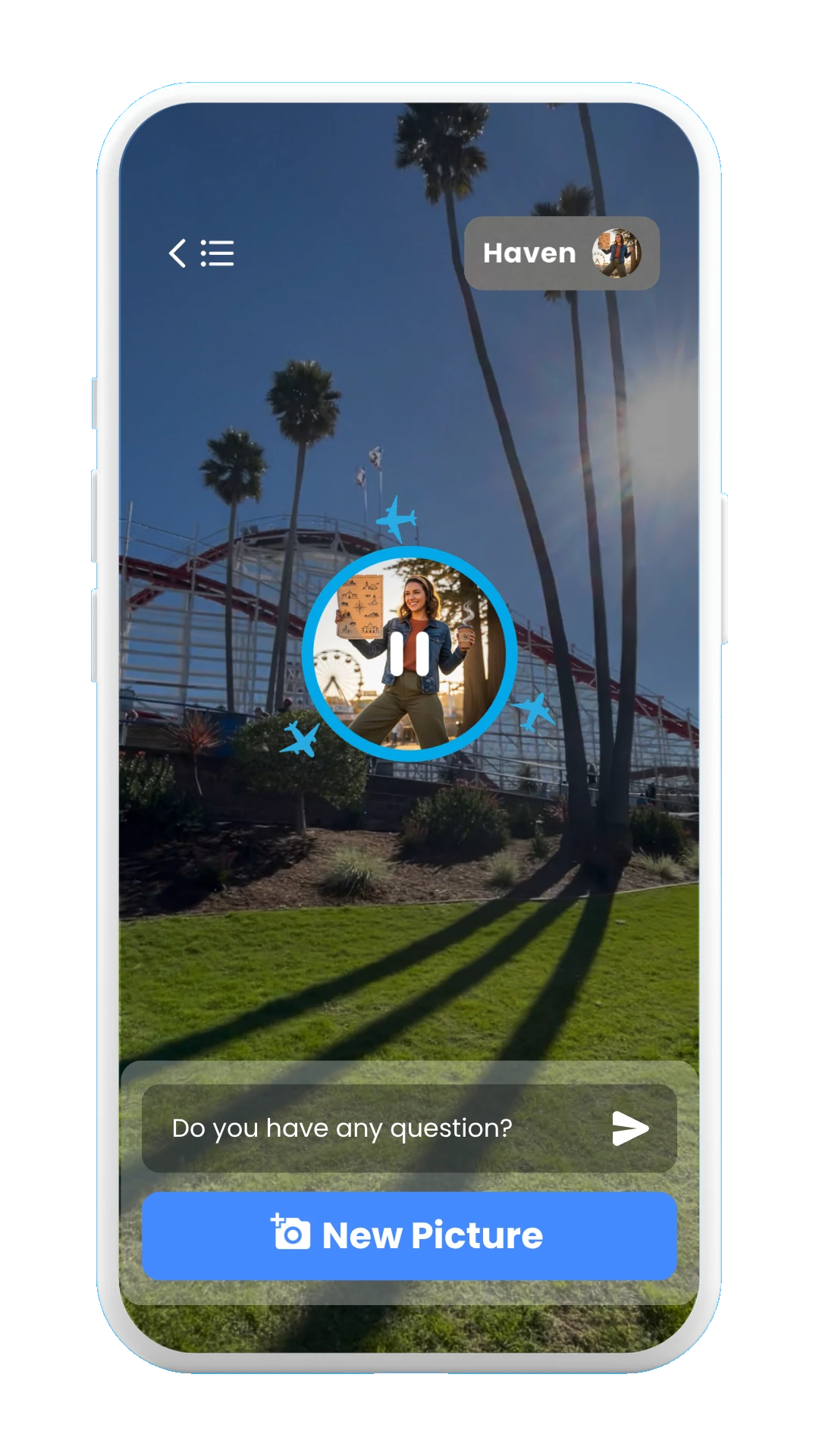
Guide speaking
Ask questions
In addition to images, you can also send writen questions to your guide, who will answer in audio format with all the best local recommendations.
The images below show the process of sending a question to a guide and getting the answer:
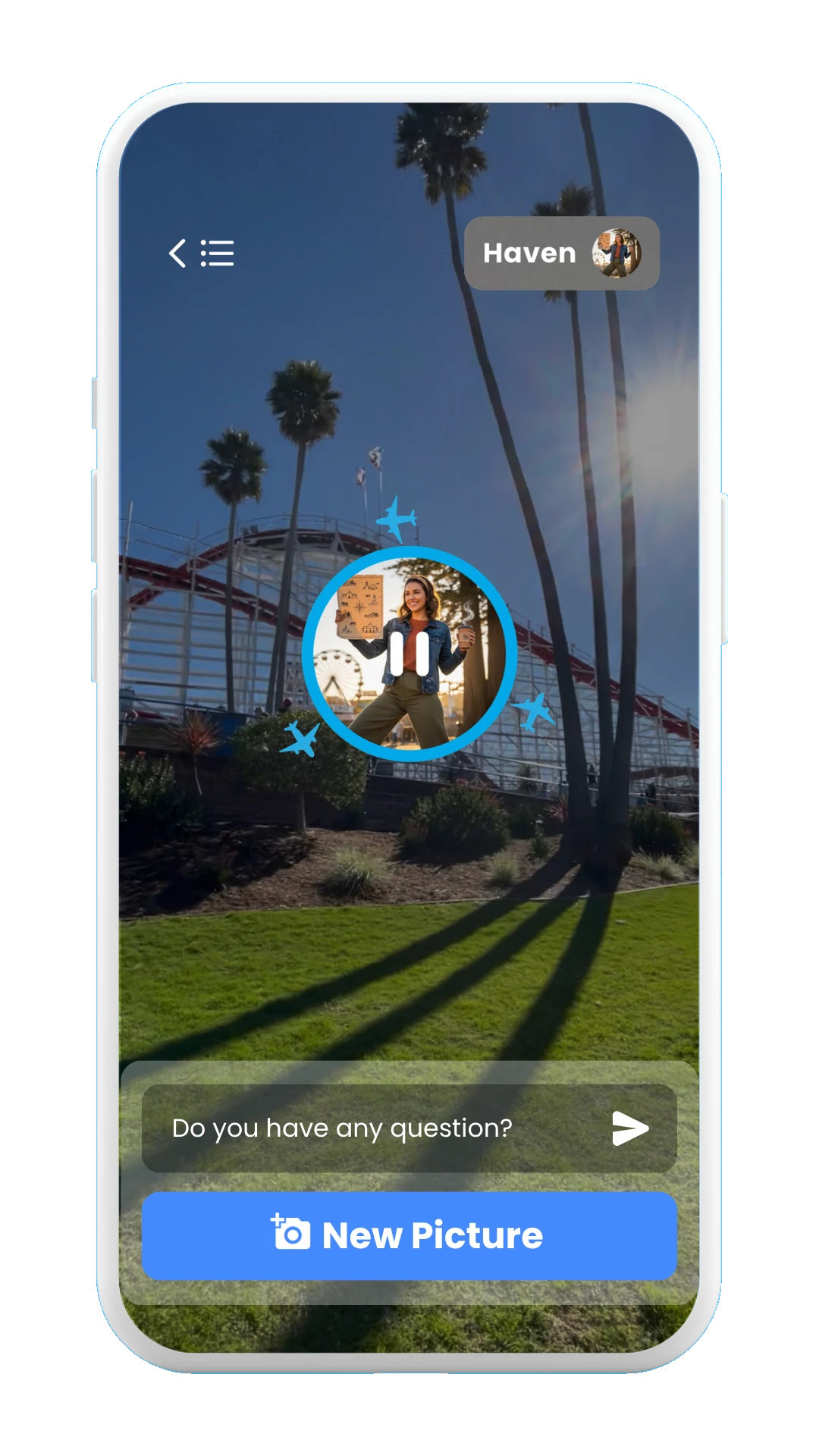
Tap on the textfield
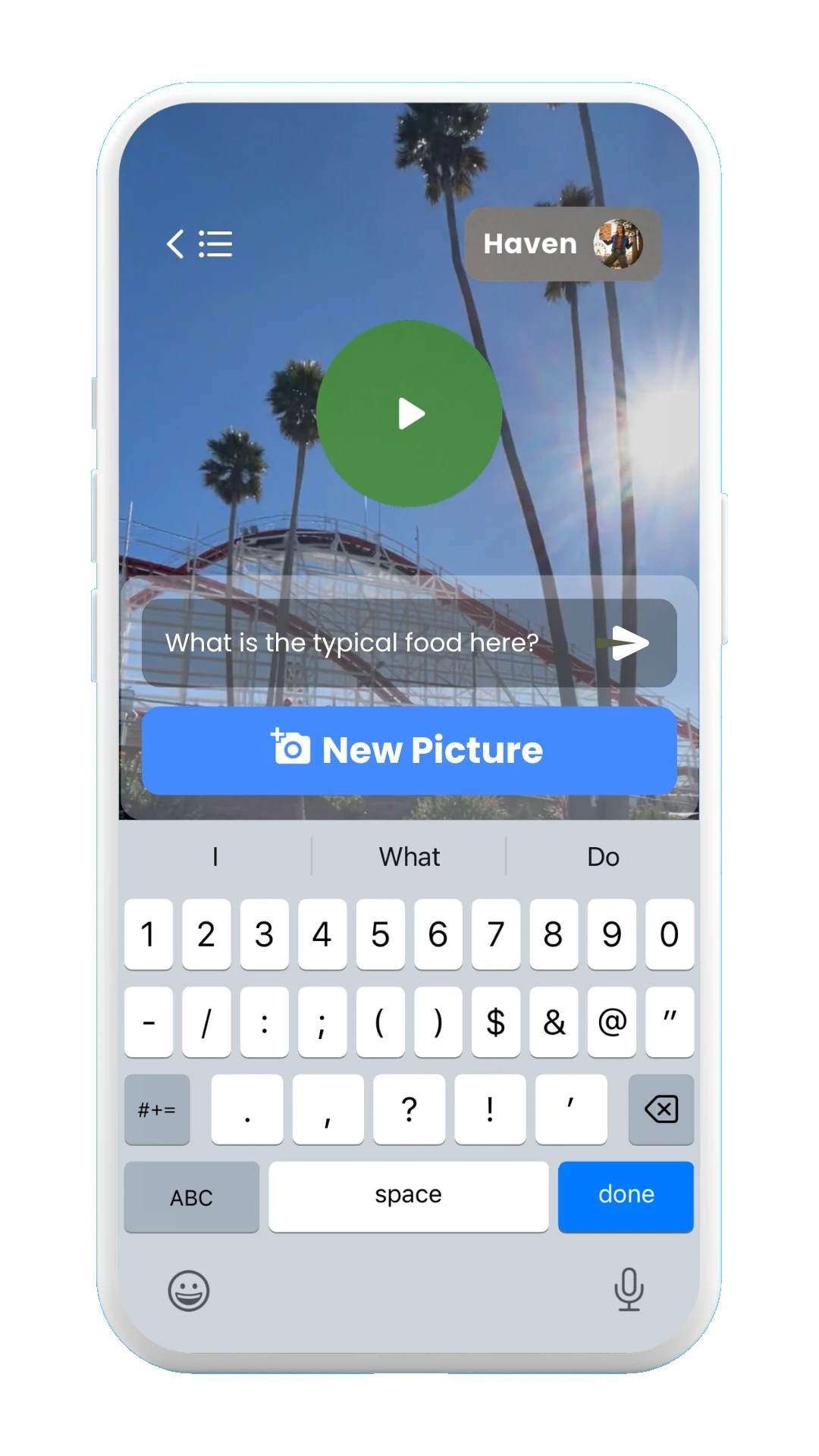
Write a question
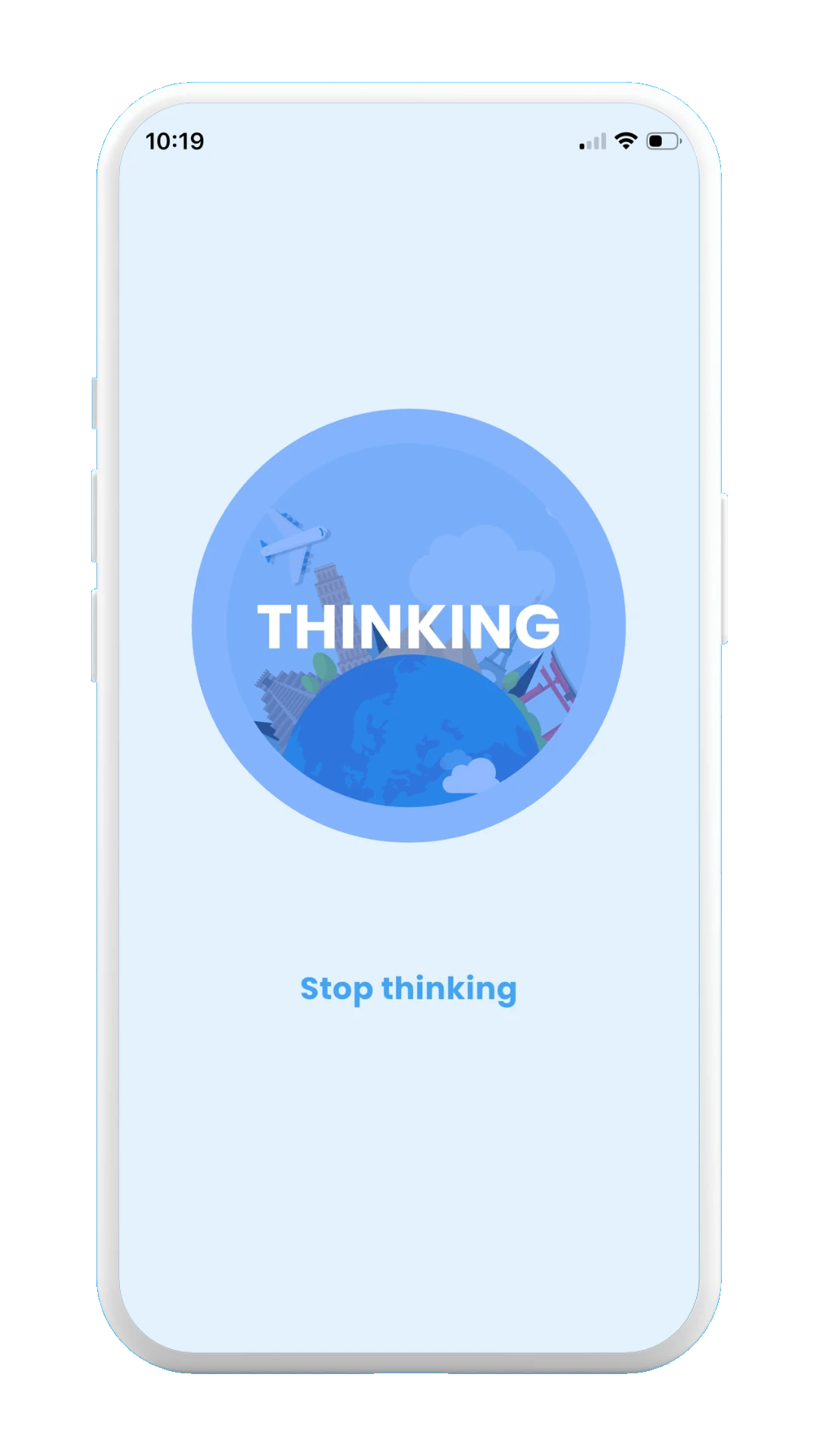
Guide thinking
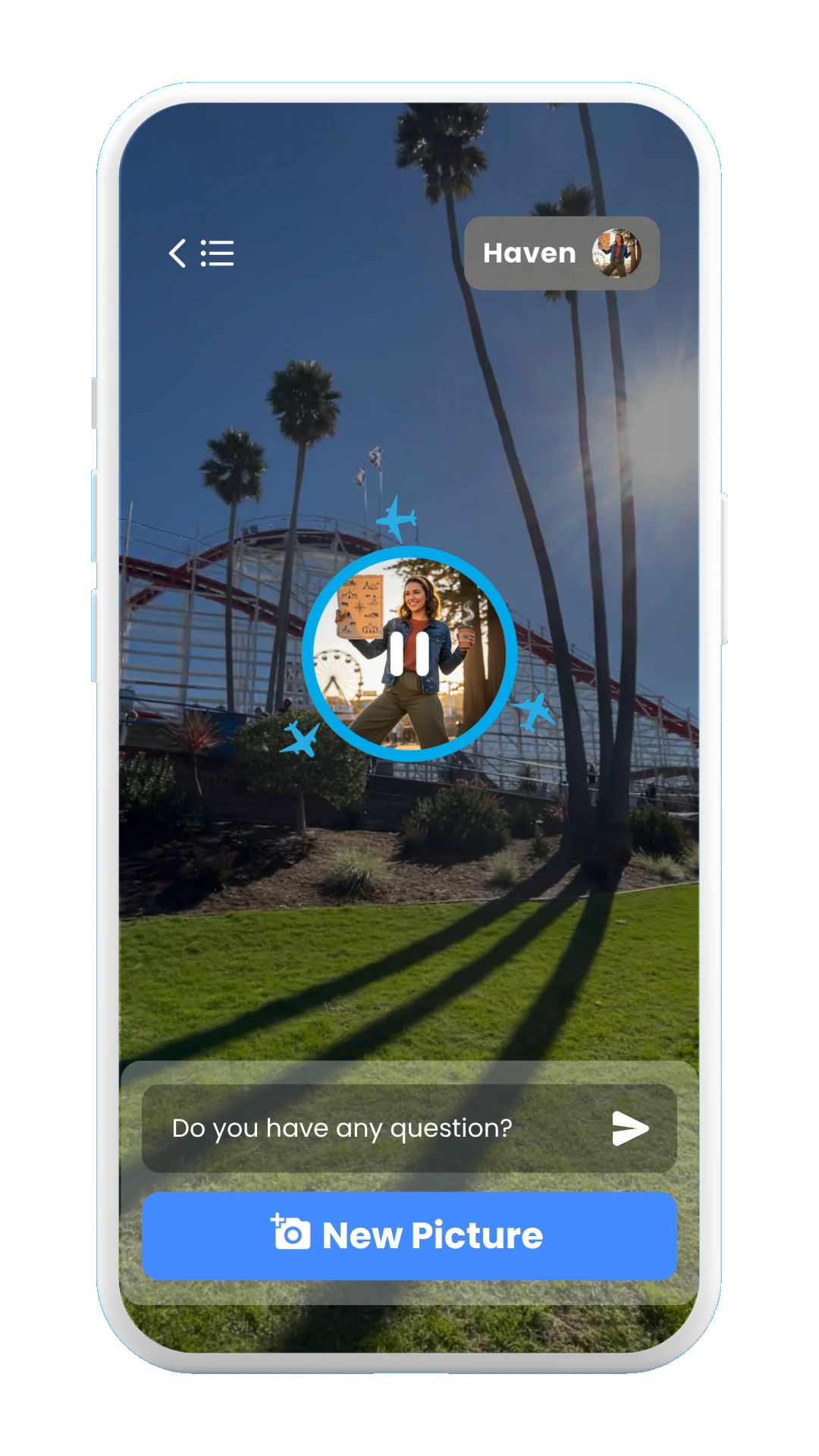
Guide speaking
Guide memory
Once you are in the guide page, and have started a conversation with your guide, you will be able to access all the sent images/questions and audio answers from your guide. For this, click on the top-right button with the picture of the guide, and the guide memory window will be opened.
The images below show how to access the memory of a guide:
Tap on the top-right button
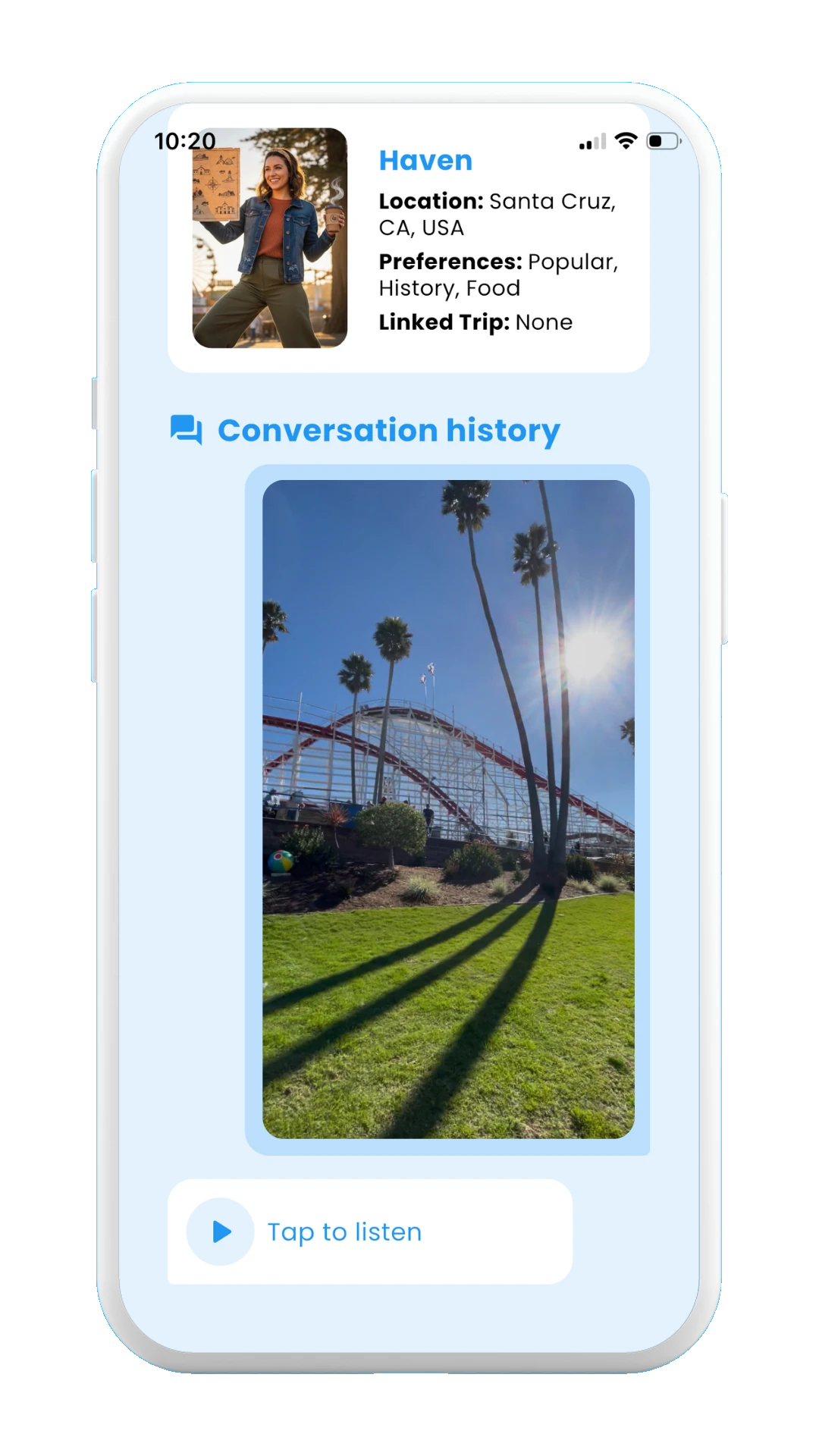
Guide memory
Deleting a guide
Finally, if you want to delete one of your guides, you just need to go to the Guides page, and swipe to the left the guide you want to delete. Once you do this, a new window will popup to confirm the deletion of the chosen guide.
The images below show the process to delete a guide:
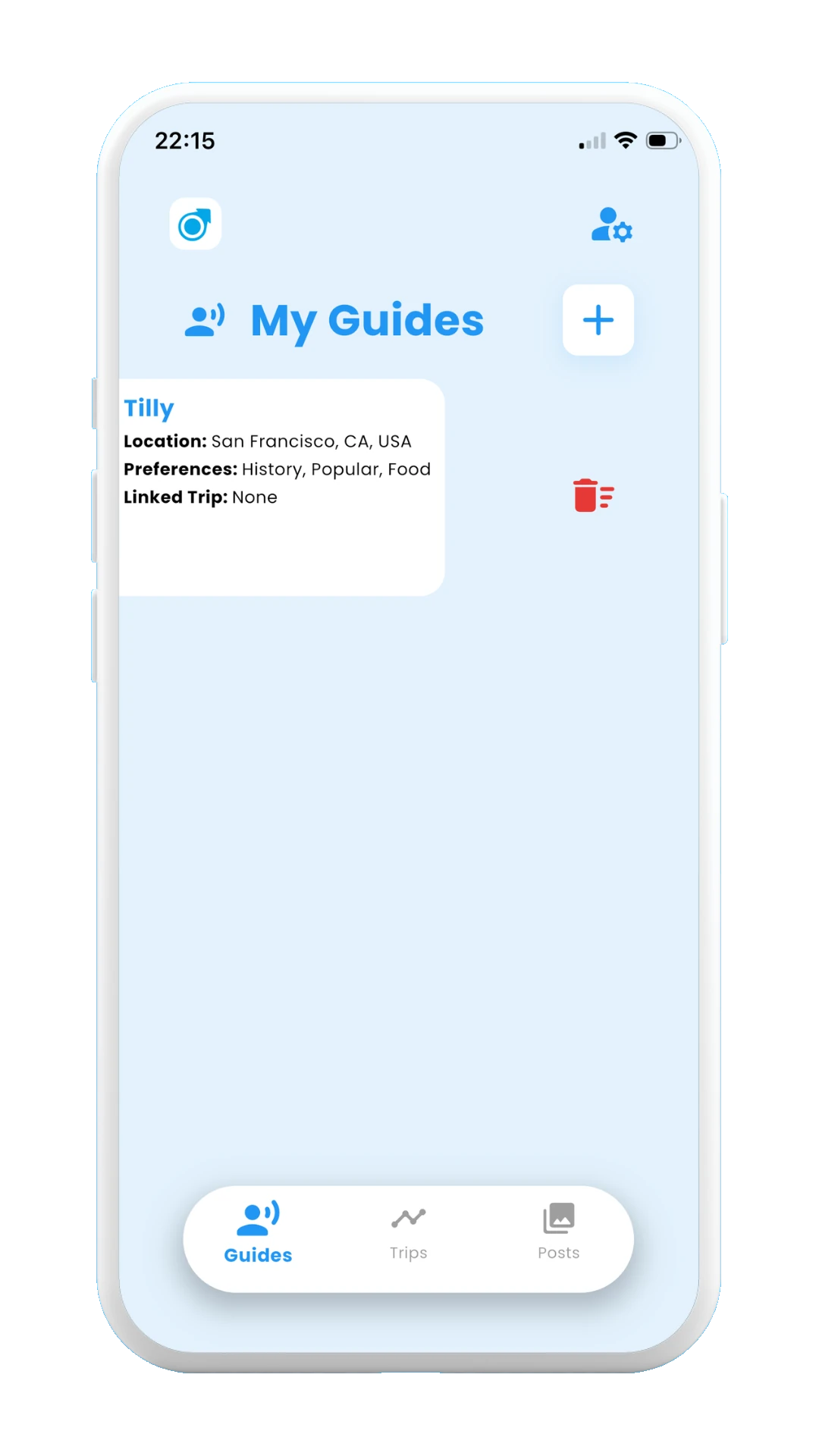
Swipe to the left
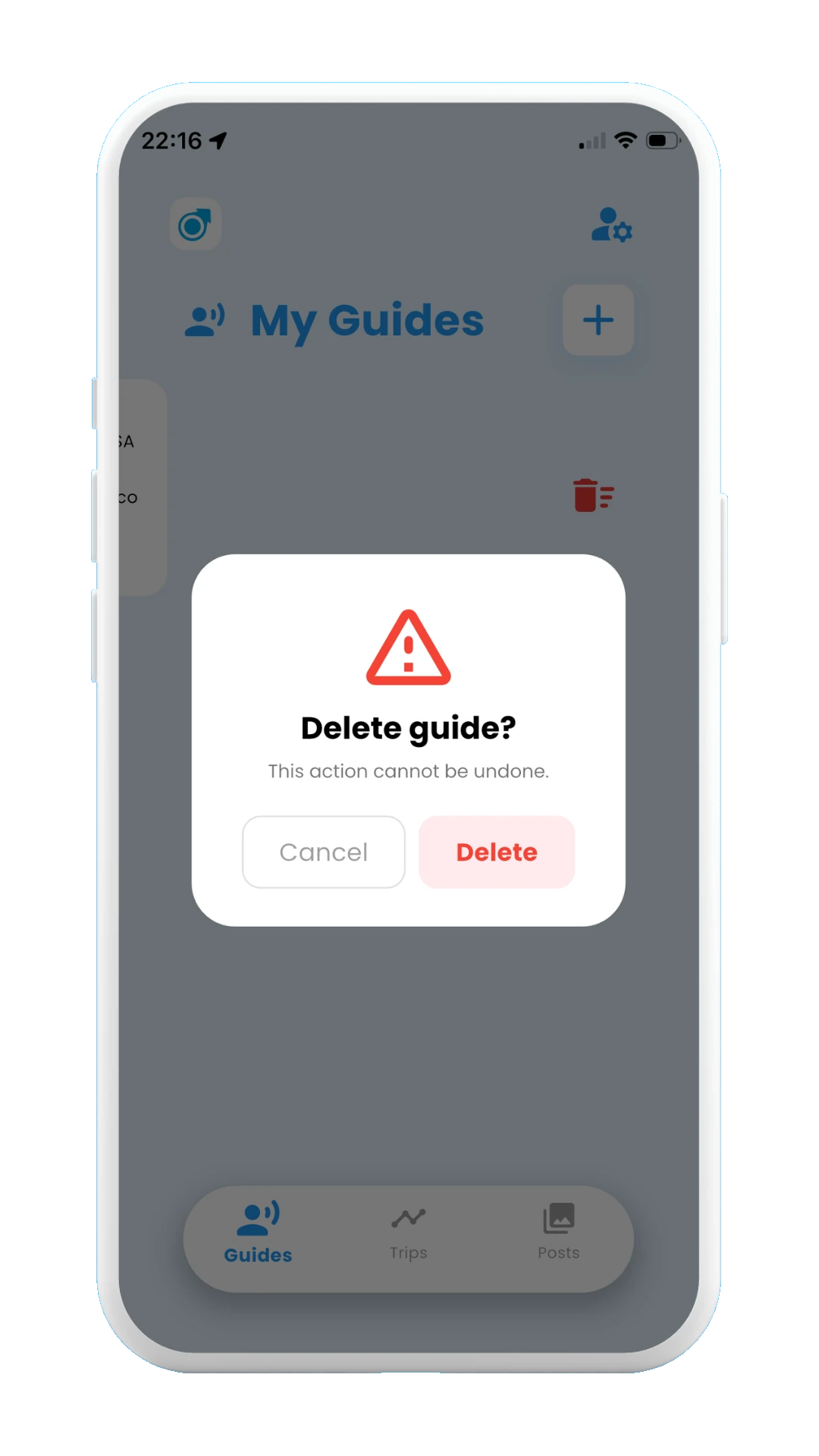
Confirm guide deletion
End of documentation
Congratulations! You have now reached the end of the documentation on how to use Meily Trips. Now you know everything about how to use Meily Trips! It's time to download the app and put it practice all this knowledge.
Please, let us know if you found the documentation useful and if there is something that is not clear, we will be happy to review it and improve it! Your opinion as someone that has read all the documentation is super useful, so please do not hesitate to contact us.
Thanks for reading and hope you enjoy your next trip!